50%
for Your Needs
This is the money you spend on necessities. It covers required costs
 Groceries
 Transportation
 Rent
Rent Health
 Clothing
 Car
Car Education
 Utilities
 Taxes
Taxes

A simpler way to budget with the 50/30/20 rule
 Long tap → Open Link
All of your income is divided into three parts in the following proportion
This is the money you spend on necessities. It covers required costs
GroceriesTransportationRentHealthClothingCarEducationUtilitiesTaxesSpendings on stuff you can live without. But life is more fun with it :)
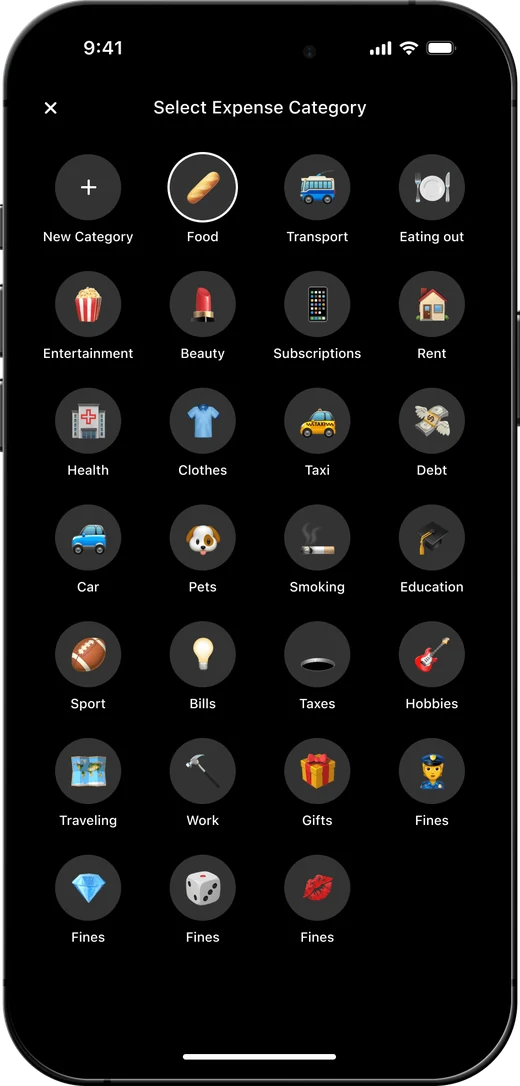
 Eating out
 Entertainment
 Beauty
 Subscriptions
 Taxi
Taxi Pets
Pets Sports
 Hobbies
 Travel
The rest becomes your financial cushion to make you feel safe
 Savings
 Debt
Debt Fines
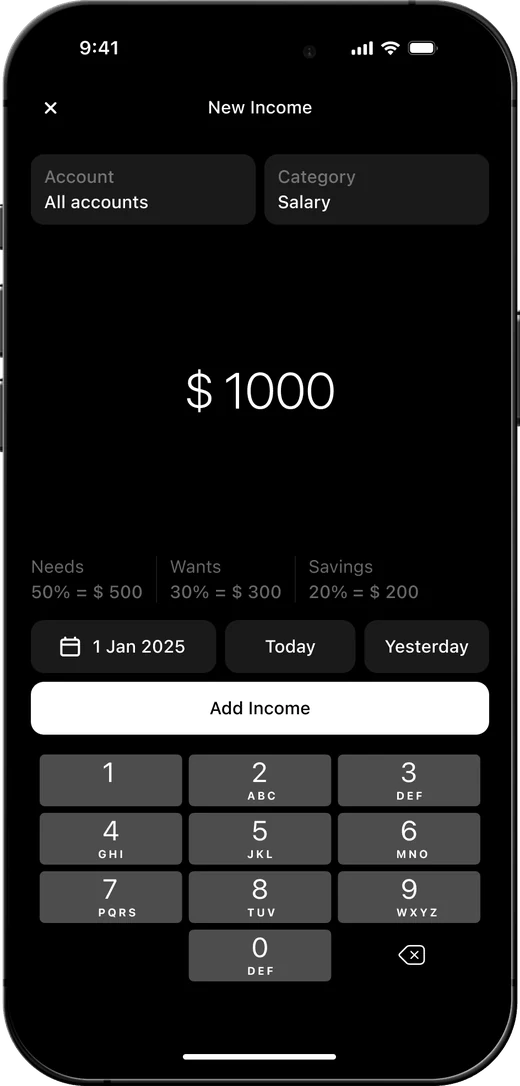
FinesEvery time you get money, add the sum in the app. It will automatically split the income between 3 accounts
Income
$ 1 380
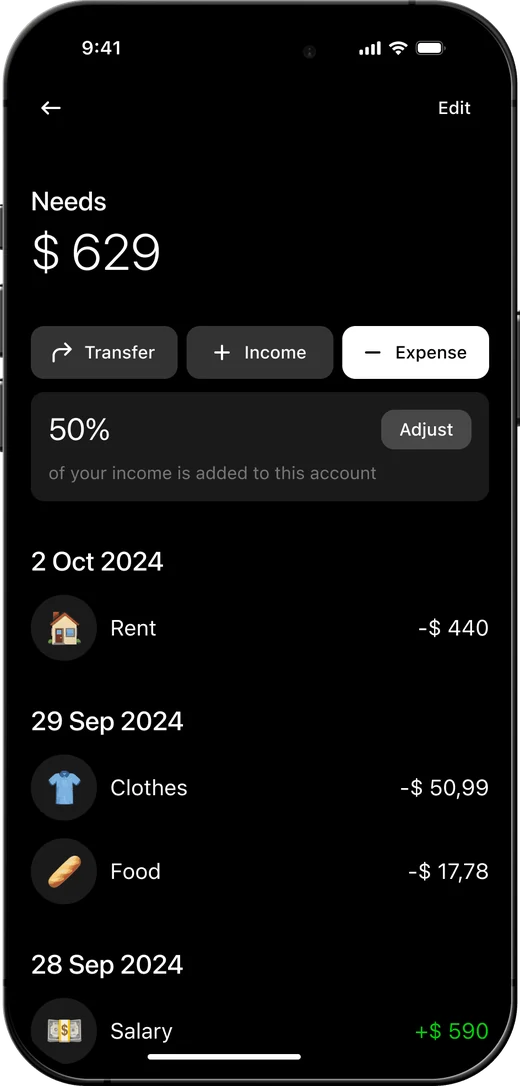
Needs
$ 690
50% of income
Wants
$ 414
30% of income
Savings
$ 276
20% of income
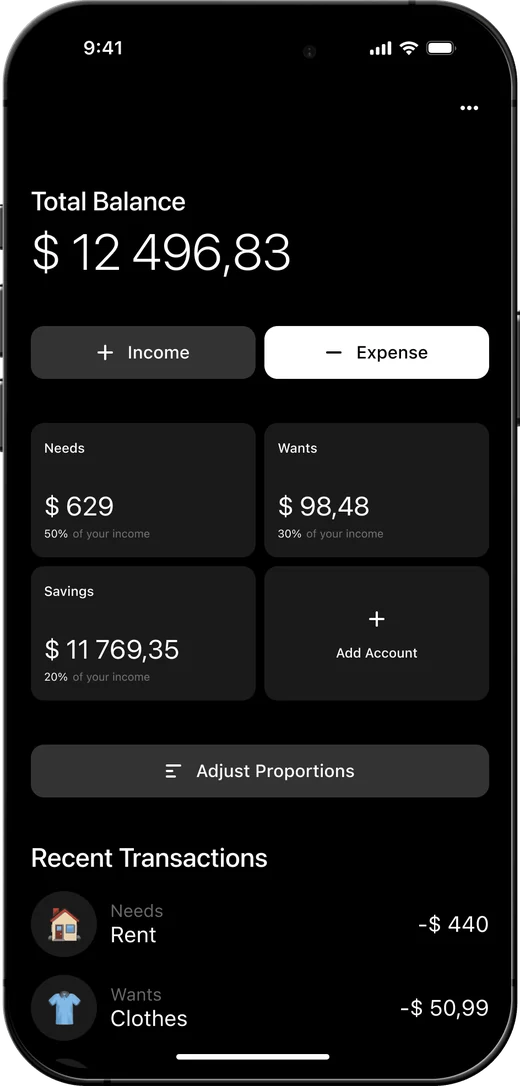
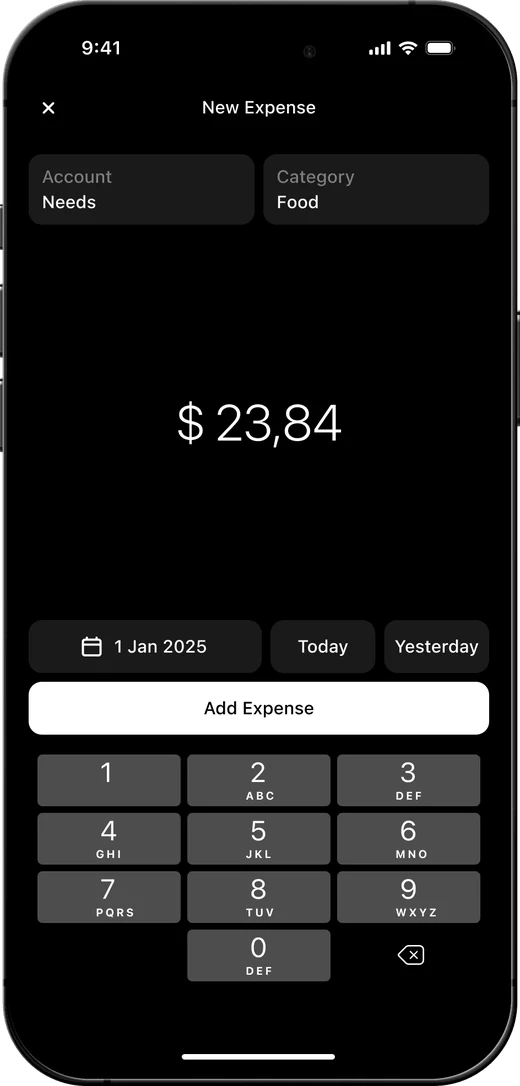
Bought something? Select an account and a category to “charge” it and track the outgoing money in your budget
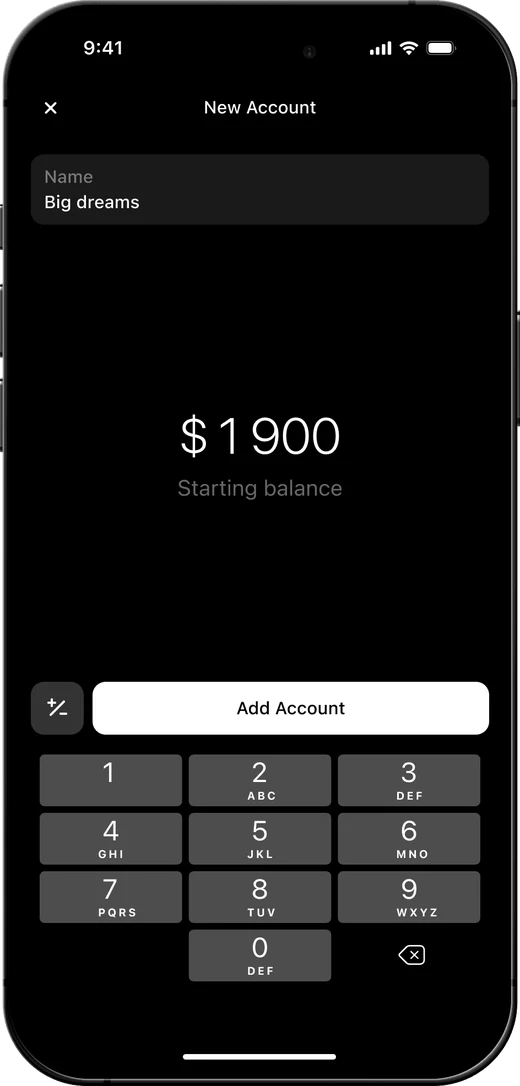
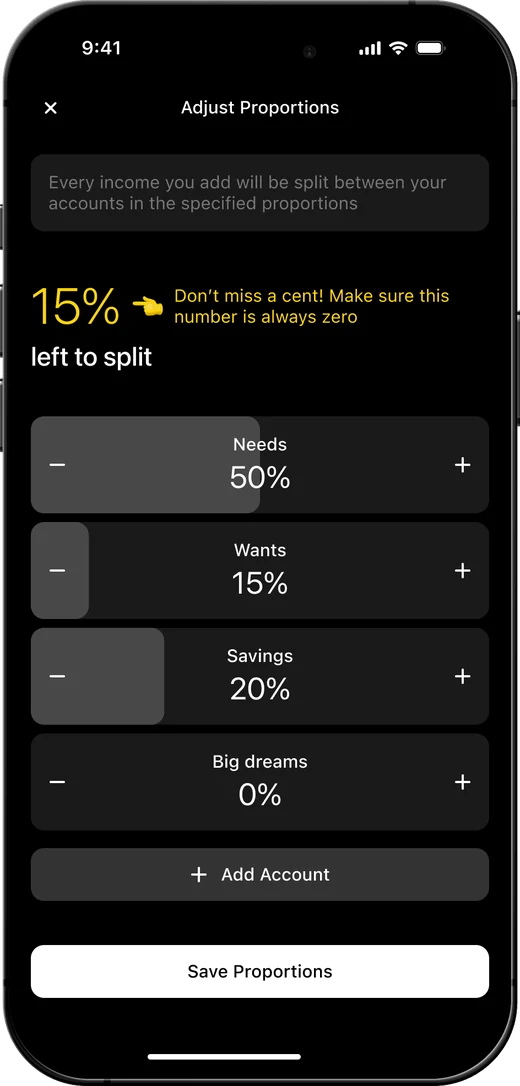
For your personal use, you can create own accounts and adjust split proportions to match your unique budget management preferences.